 In stock
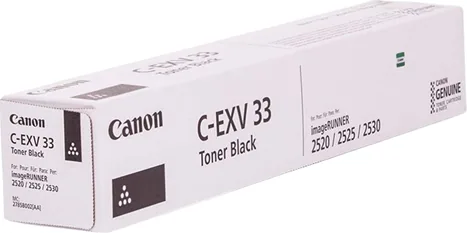
 Canon C-EXV 33 Black toner
Item code: CANON-C-EXV-33-TONER
- Genuine Canon toner
- Colour: Black
- For imageRUNNER 2520 / 2525 / 2530
Consumables
Full specifications
| Item type | Genuine Canon toner cartridge |
|---|---|
| Colour | Black |
| Compatible devices | imageRUNNER 2520 / 2525 / 2530 |
| Item code | CANON-C-EXV-33-TONER |
| Recommended use | Operating consumables |
Before you order toner
C-EXV 33 Black is a genuine Canon toner cartridge.
Toner is not an ink cartridge — it is a powder fused onto the paper by heat. Two things actually matter: the right part number, and a capacity that matches how much you print.
The number decides, not the shape
Many cartridges share a shape and differ in number, and the wrong one either will not seat or is rejected by the machine's chip. Before ordering, read the number printed on the cartridge currently in the device, or use the compatible-supplies list above.
Standard vs high yield (H)
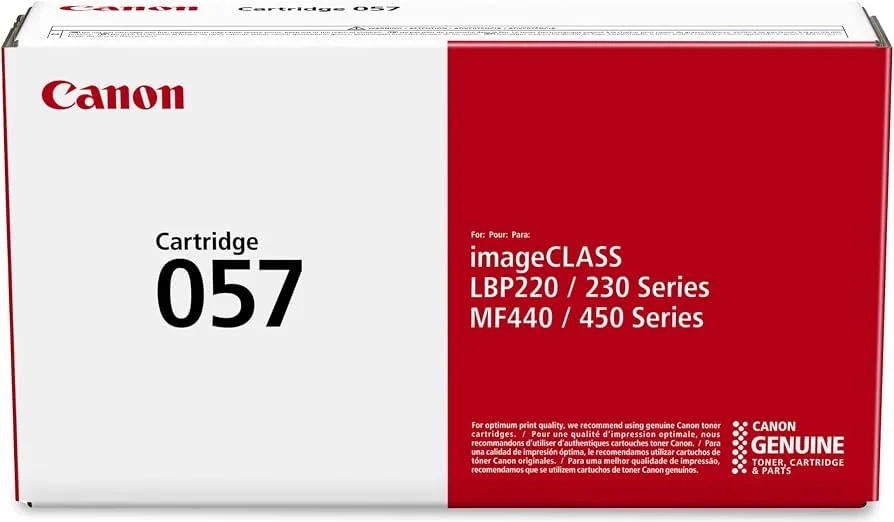
An H at the end of the number (057H next to 057) means the same cartridge with more toner — same device, same fit, only the yield differs. It costs more and lowers the cost per page, so it pays off if you print regularly. If you print in bursts, the standard version suits better, since toner is affected by long storage.
How yield is measured
The number you see ("3,100 pages") is not an estimate — it is the result of a standard test. For mono toner the standard is ISO/IEC 19752, measured at roughly 5% page coverage. Colour toner uses a different standard (ISO/IEC 19798) with a five-page suite averaging about 20% coverage. So 5% is not a universal figure, contrary to what is often repeated. If your real printing carries images or backgrounds, yield drops — that is normal, not a fault.
Genuine vs compatible and refilled
The difference is not only price. A genuine item is guaranteed not to leak inside the machine, and a leak reaches the print head or the fuser — which costs many times the price gap. On top of that, a fault caused by a counterfeit consumable voids the warranty; that is written in the device's own warranty certificate, not a condition we add.
Signs the toner is running out
- Print fades gradually, or lightens on one side of the page
- Streaks or blank areas appear before any warning message
- Rocking the cartridge horizontally restores quality briefly — the clearest sign it is nearly empty
- The device slows down, or stops colour printing and continues in mono