 Supplied to order
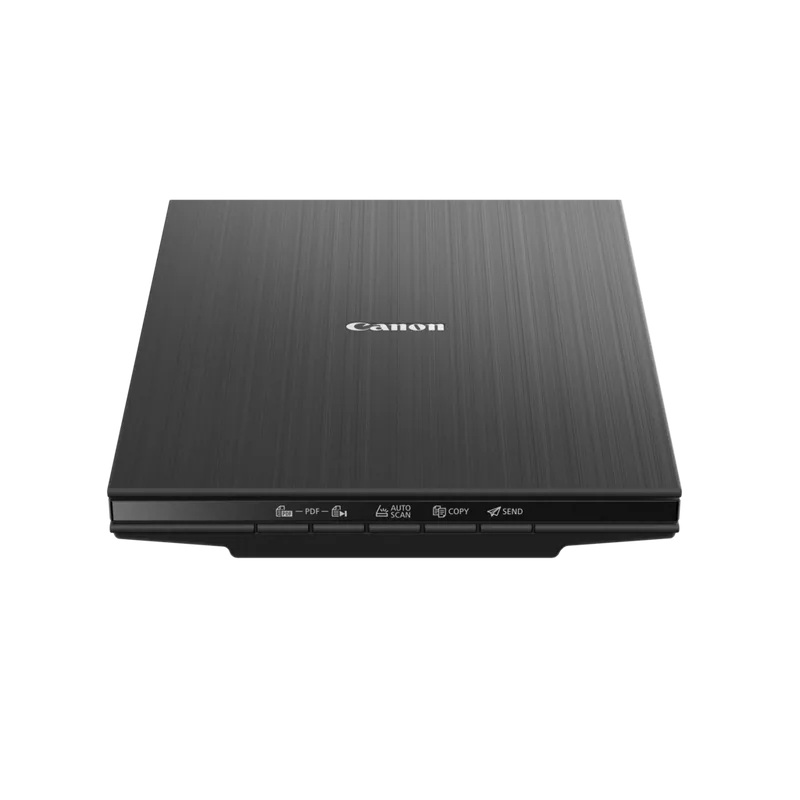
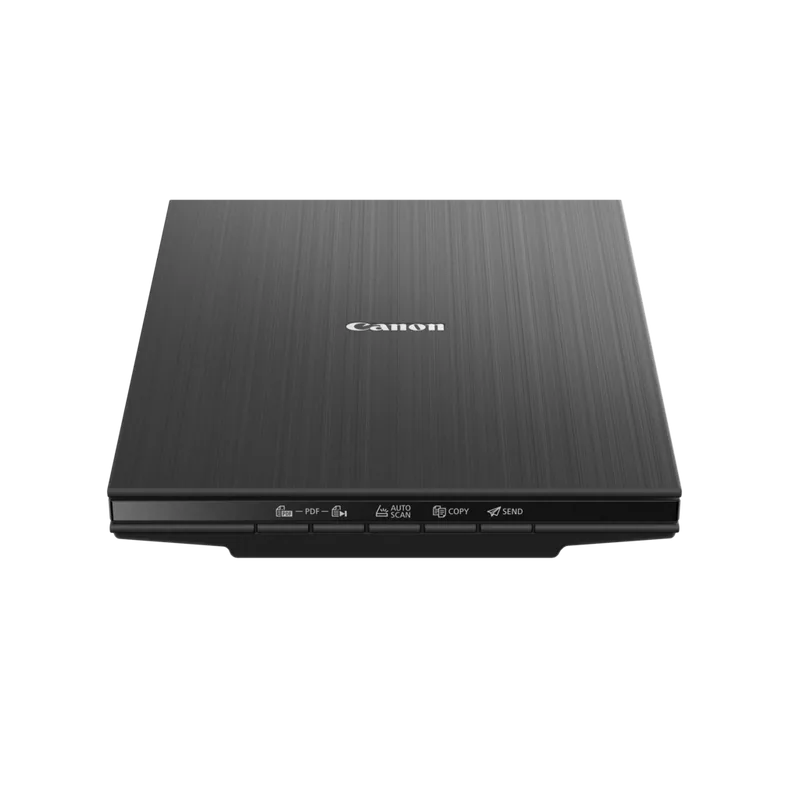
 Canon CanoScan LiDE 300 scanner
Item code: 2995C010AA
- Scan
Archiving & e-invoicing
Full specifications
| Device type | Flatbed scanner |
|---|---|
| Functions | Scan |
| Paper size | A4 |
| Connectivity | USB |
| Item code | 2995C010AA |
| Recommended use | Archiving & e-invoicing |
How to choose a flatbed scanner
A flatbed scanner is bought for what a sheet-fed scanner cannot do: the fragile original, the photograph, the book that cannot be taken apart. If your work is stacks of documents, this is not the right device.
Flatbed or sheet-fed?
This is the fundamental decision. A flatbed scans one sheet at a time at high quality without handling the original roughly. A sheet-fed scanner pulls dozens of pages a minute but needs intact, separated sheets. If you have a large archive in good condition, sheet-fed is far faster.
What exactly are you scanning?
Photographs and film need high resolution and colour depth. Written documents need moderate resolution, speed and text clarity. Higher resolution is not always “better” — it means larger files and longer waits with no benefit if you are scanning text.
Do you need searchable text?
Scanning produces an image, and an image is not searchable. If you need to find a word inside a file later, you need optical character recognition (OCR) — and that is a question of the bundled software rather than the device itself.
Space and connection
A flatbed takes a fixed desk footprint the width of a sheet. Some models run from a single USB cable without a power adapter — which matters if you move it or your desk is tight.
The most common mistake: a flatbed for a large archive
One sheet at a time means a thousand pages become days of work. If you have a real archive, a sheet-fed document scanner is the tool, and the flatbed stays for the exceptions — the fragile, the bound and the photographic.
What makes the difference in price
Devices in this category have listed prices and their differences are not cosmetic. These are what genuinely separate one model from another, and what to compare before deciding:
- True optical resolution
- Speed of a single scan
- Whether it scans film and slides
- USB-powered operation without a mains adapter
- Bundled software and OCR capability
Send us these five and we will come back with a quote
- What you scan — documents, photographs or both
- Roughly how many sheets a month
- Whether you need searchable text (OCR) or an image is enough
- Whether originals are intact and separated, or fragile and bound
- Available space and how you will connect it