 Supplied to order
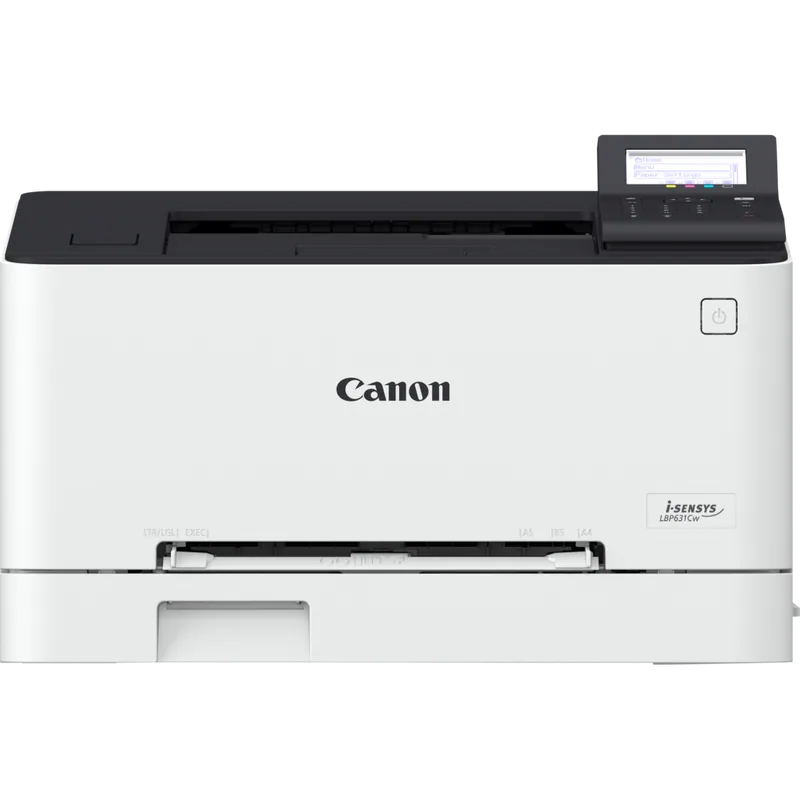
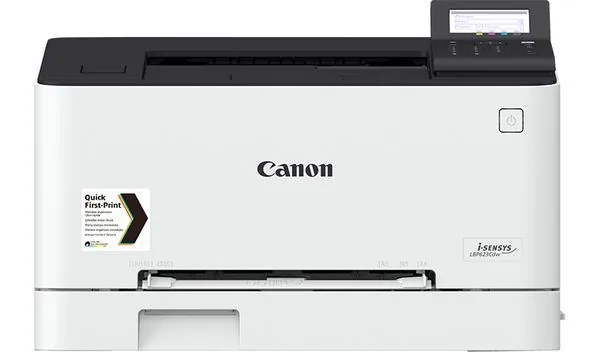
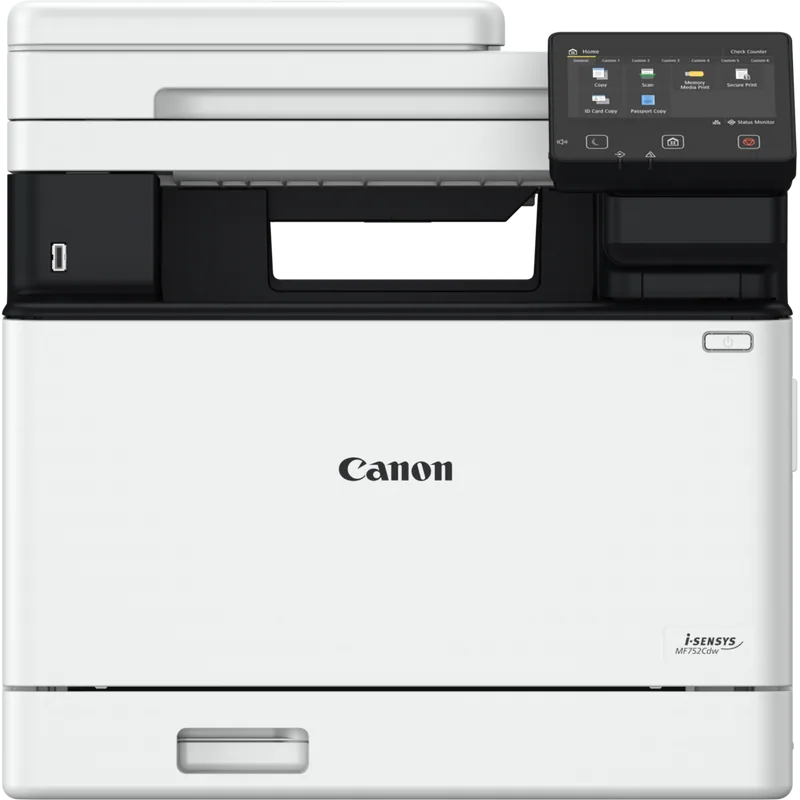
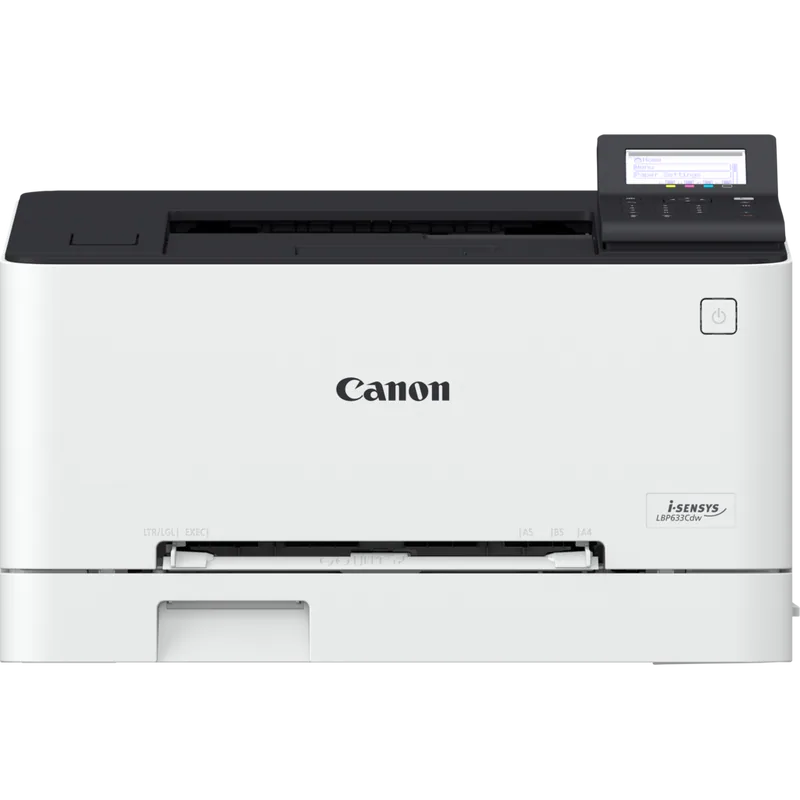
 Image shows a similar model from the same family — the official product shot is on its way.
Canon i-SENSYS LBP654Cx printer
Item code: I-SENSYS-LBP654CX
- Colour printing
- 27 ppm
- Wi-Fi
- Network
Offices & companies
Full specifications
| Device type | Colour laser |
|---|---|
| Functions | |
| Print speed | Up to 27 ppm (A4) |
| Paper size | A4 |
| Print resolution | 1,200 × 1,200 dpi |
| Duplex printing | Automatic |
| Control panel | 12.7 cm colour touchscreen |
| Connectivity | Gigabit Ethernet · USB · Wi-Fi |
| Recommended use | Offices & companies |
Compatible supplies
The genuine ink and toner that fit this device. The wrong part number simply will not seat — go by the number, not the shape.
How to choose a laser printer
Laser is bought when volume is steady and text is what matters. The first decision is not the model — it is mono or colour, and that changes cost and maintenance for the life of the machine.
Mono or colour?
Colour models carry four toners and more imaging units, meaning a higher price, more maintenance and a higher cost per page even when you print black. If colour comes up once a week, mono is far cheaper and you can print colour outside. Buy colour only if colour is a daily part of your work.
Printer only or multifunction?
A single-function printer (LBP) is smaller, cheaper and has fewer things to fail. A multifunction (MF) adds scanning, copying and sometimes fax. If you already have a working scanner or rarely copy, single-function is more economical. If you copy daily, multifunction saves a device and floor space.
Monthly volume and toner capacity
A toner cartridge has a page yield, and there is usually a standard and a high-capacity version with identical fitting. If you print regularly, the high-capacity version has a lower cost per page. If your use is intermittent, standard suits you better because toner degrades in long storage.
Networked or one desk?
A shared device needs stable networking, a larger paper tray and usually automatic duplexing. And if sensitive documents are printed, PIN-secured release stops paper sitting unattended in the output tray.
The most common mistake: buying colour “just in case”
Many offices buy a colour laser in case they need it, then print black ninety-five percent of the time. The result is a more expensive device, four toners that must be replaced even when colour is little used, and a higher cost per page on ordinary black work.
What determines cost per page
Laser is cheaper per page than inkjet for black at volume — but that figure varies a great deal with your choices. These are what determine what you pay over the machine's life, and they are also how two similar-looking models are compared:
- Toner yield — standard versus high-capacity (H)
- Mono or colour (four toners versus one)
- Whether the drum is separate or built into the cartridge
- Automatic double-sided printing
- Monthly duty cycle relative to your actual volume
Send us these five and we will come back with a quote
- Approximate monthly print volume
- Whether colour is essential or black and white is enough
- Whether you need scanning and copying or printing only
- How many users, and whether it sits on a network
- Whether sensitive documents need secure release