 In stock
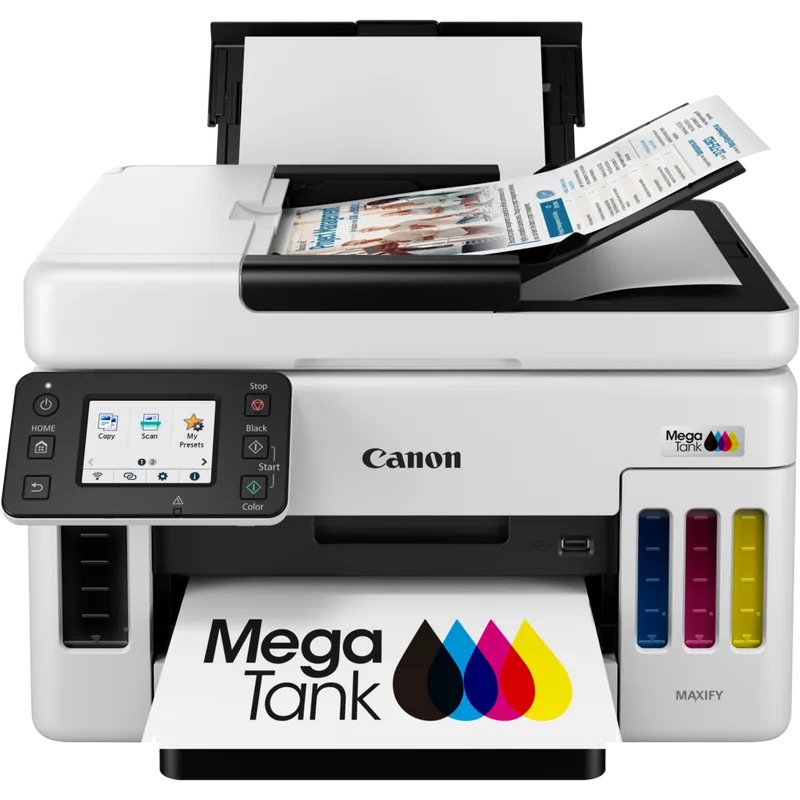
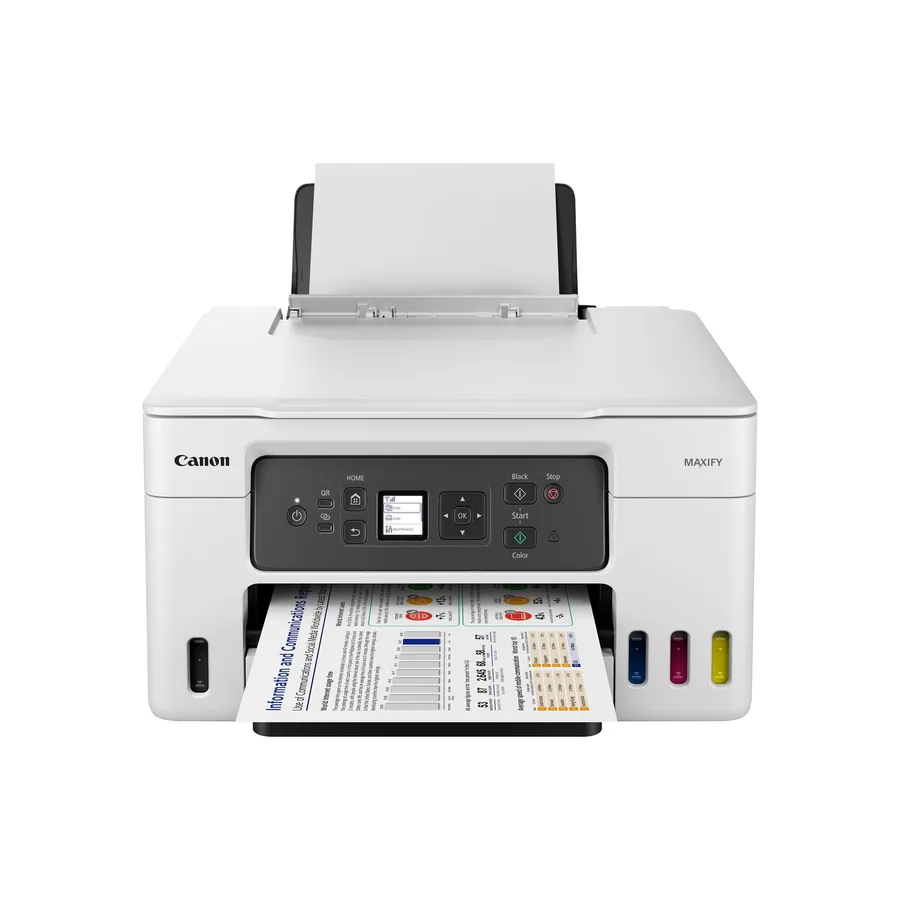
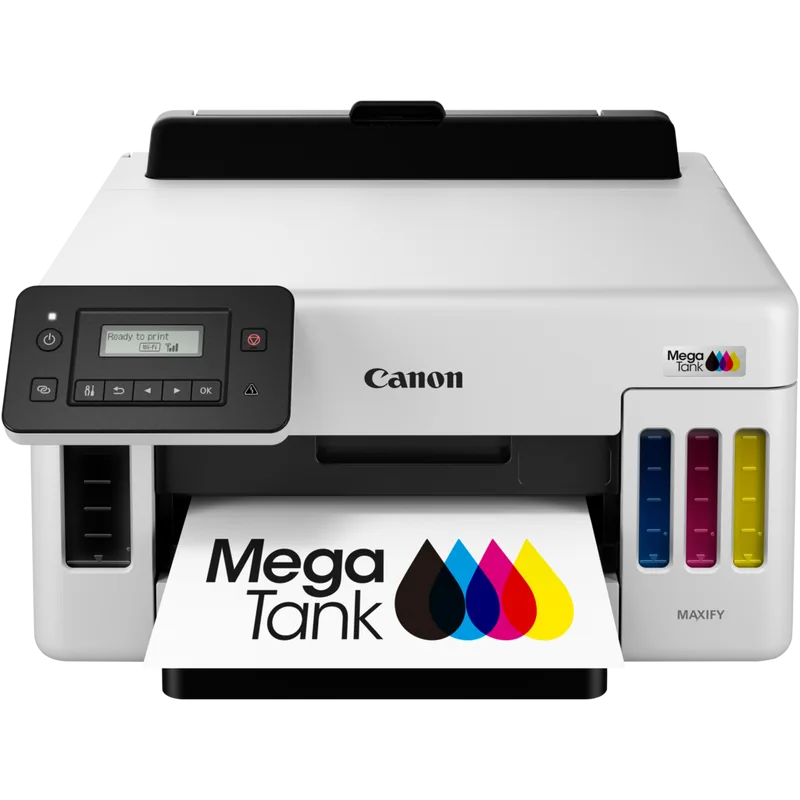
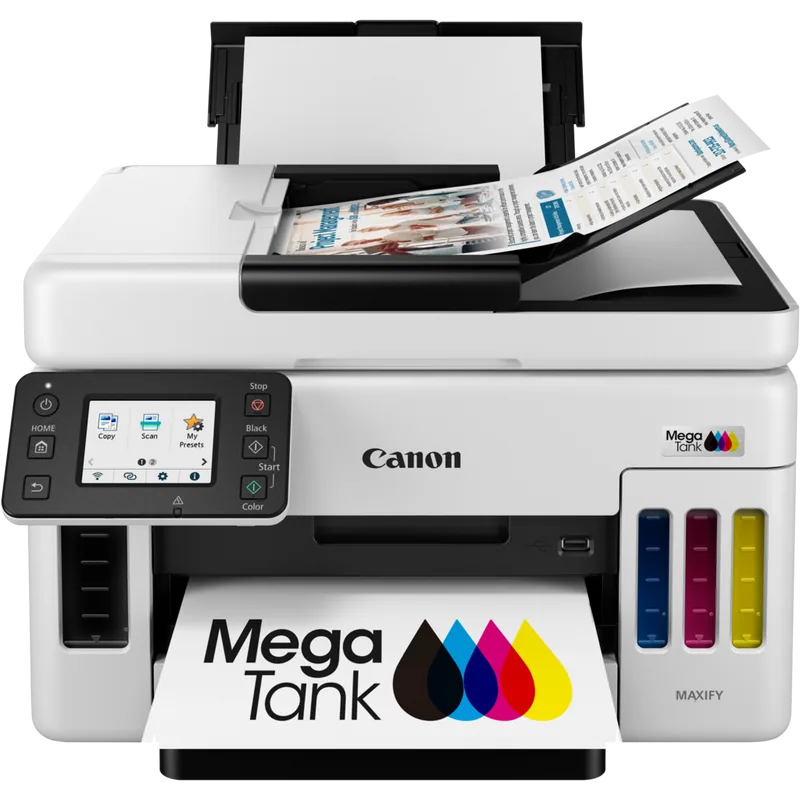
 Canon MAXIFY GX4040 printer
Item code: 5779C009AA
- Print, copy, scan & fax
- 24.0 ppm
- Wi-Fi
- Network
- Duplex
Small & medium businesses
Full specifications
| Device type | Inkjet — MegaTank for business |
|---|---|
| Functions | Print + copy + scan + fax (4-in-1) |
| Print speed | Up to 24.0 ppm |
| Paper size | A4 |
| Duplex printing | Yes — automatic |
| Connectivity | Ethernet · Wi-Fi · USB |
| Item code | 5779C009AA |
| Recommended use | Small & medium businesses |
Compatible supplies
The genuine ink and toner that fit this device. The wrong part number simply will not seat — go by the number, not the shape.
How to choose a business inkjet
This category sits between home inkjet and office laser, and it wins when your volume is moderate and you need colour at a sensible cost. The decision here is not between models — it is between a business inkjet and a laser in the first place.
Business inkjet or laser?
Laser is faster on large batches and gives crisper black text. Business inkjet gives far cheaper colour per page, runs quietly and wakes from sleep faster. If you print a lot of colour at moderate volume, business inkjet genuinely saves money. If most of your work is black and high-volume, laser suits you better.
Monthly volume and duty cycle
A device has a recommended monthly volume distinct from its maximum duty cycle. If your workload sits near the maximum continuously, the machine will wear out early. Choose one where your actual volume falls in the middle of its range, not at its top.
How many people will use it
A device on one desk is a different decision from one shared over a network by a team. Sharing needs stable networking and a larger paper tray, and usually automatic double-sided printing so nobody stands there flipping paper.
Do you need fax or an automatic feeder?
Some organisations in Egypt still work by fax, and some offices never need it. An automatic document feeder matters if you regularly scan contracts or multi-page files — without one you place sheets one at a time.
The most common mistake: a home device doing office work
A home printer serving five staff fails within months. Not because it is bad, but because it was designed for an entirely different volume. The difference between the categories is not speed — it is duty cycle, paper capacity and ink size.
What determines your cost after purchase
Business devices are judged on cost per page rather than device price, because their working life is longer and volumes are higher. The annual difference between a right and a wrong choice here exceeds the price of the machine itself. What determines it:
- Ink cartridge yield or tank capacity
- The ratio of colour to black in your actual work
- Automatic double-sided printing
- Paper tray capacity — a small tray is wasted time
- Power draw in sleep mode
Send us these five and we will come back with a quote
- Approximate monthly print volume
- The ratio of colour to black
- How many users will share the device
- Whether you need multi-page automatic scanning
- Whether you need fax