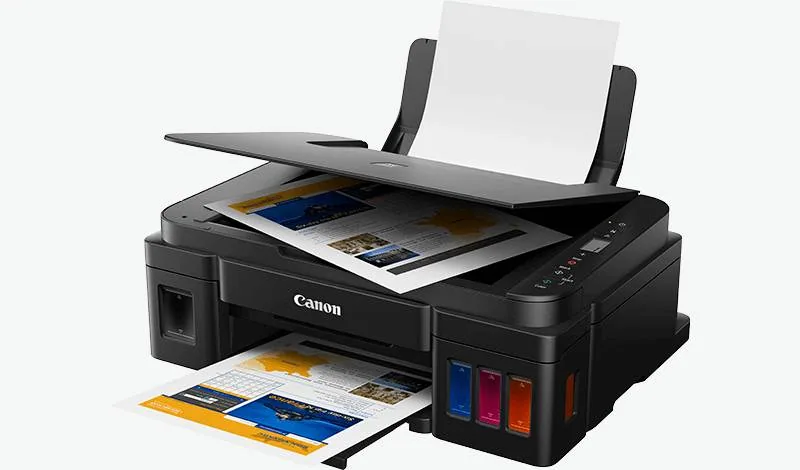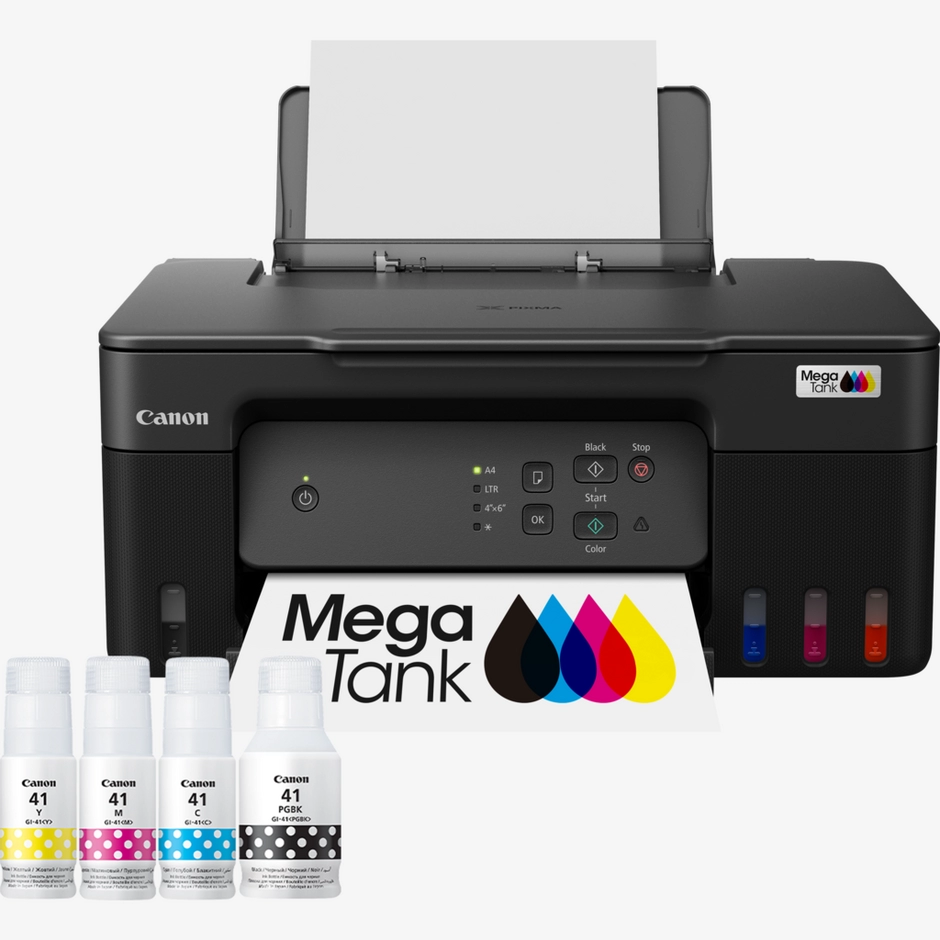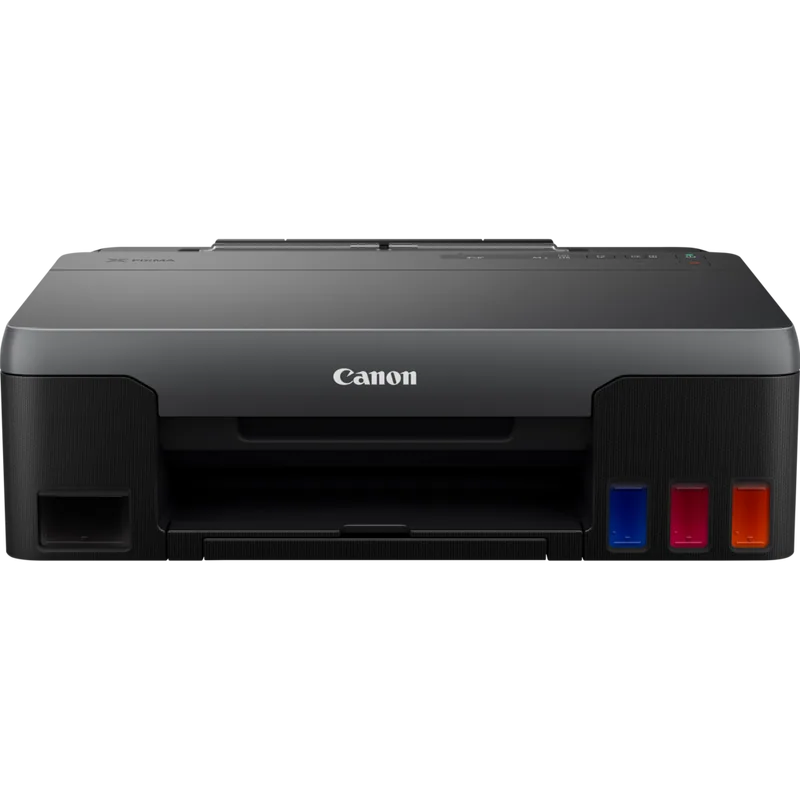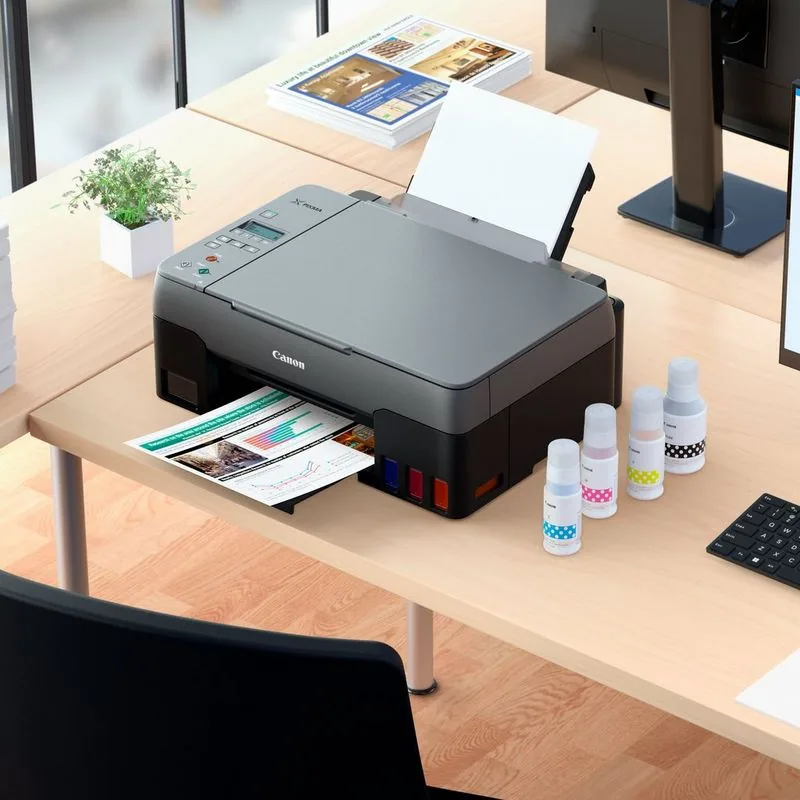
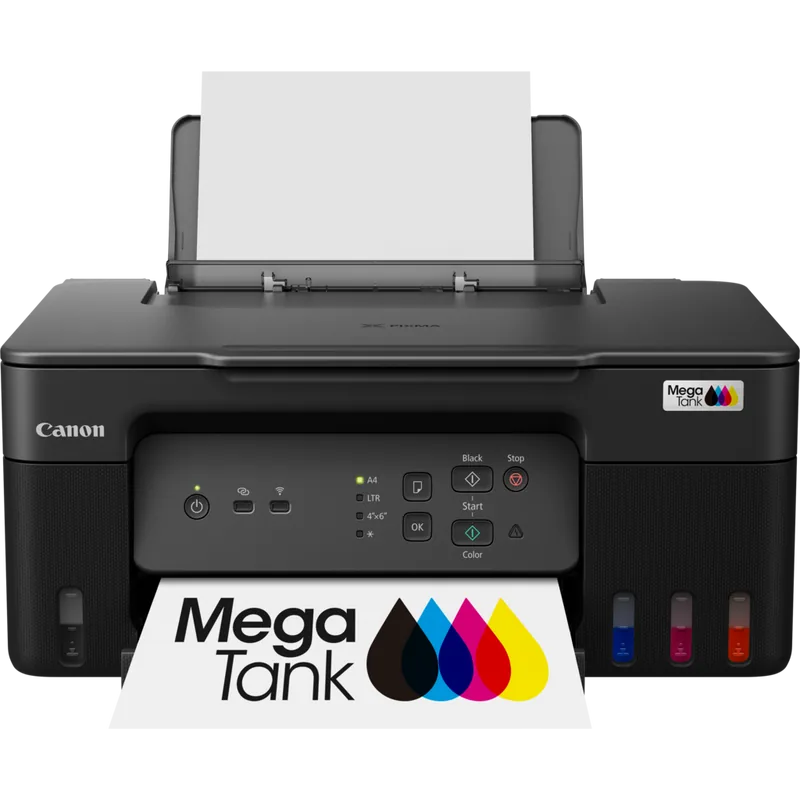
 Supplied to order
 Canon PIXMA G3430 printer
Item code: 5989C009AA
- Print, copy & scan
- 9.1 ppm
- Wi-Fi
Individuals / home office
Full specifications
| Device type | Inkjet — cartridges / ink tank |
|---|---|
| Functions | Print + copy + scan (3-in-1) |
| Print speed | Up to 9.1 ppm |
| Paper size | A4 |
| Duplex printing | Manual |
| Connectivity | Wi-Fi · USB |
| Print resolution | Up to 4800 × 1200 dpi |
| Ink system | Refillable MegaTank |
| Item code | 5989C009AA |
| Recommended use | Individuals / home office |
Compatible supplies
The genuine ink and toner that fit this device. The wrong part number simply will not seat — go by the number, not the shape.
How to choose an inkjet printer
In this category the device price is listed and clear — but that price is the smallest part of the cost. What actually matters is the ink system, and that is what determines what you pay over the next year.
Ink tank or cartridges?
This is the most important question in the category. Tank models (MegaTank) cost more up front and take cheap bottled ink; cartridge models cost less up front and their ink is far more expensive per page. If you print regularly, the tank makes a large difference. If you print a couple of pages a month, cartridges suit you better and the ink will not run out quickly anyway.
Photos or documents?
Both are inkjet but they are not the same machine. Photo models use more inks for colour gradation; document models focus on crisp black and higher speed. If most of your work is text, a photo model will cost you in ink you do not need.
Do you need scanning and copying?
A print-only machine is cheaper and smaller. If you occasionally need to copy a page or scan a document, an all-in-one saves you a second purchase. But if you already have a scanner or use your phone, those extra functions are space and price with no benefit.
Will you print from a phone?
Most home use today comes from a phone, not a computer. Wi-Fi is now essential rather than a luxury, and without it you will be plugging in a cable every time.
The most common mistake: buying on the device price
The cheapest printer on the shelf is usually the most expensive one a year later, because its cartridges cost more relative to what they yield. Before comparing two prices, ask what the ink costs and how many pages it yields — those two numbers together are the decision, not the box price.
The real cost is not the device price
You pay the printer price once; you pay for ink for the life of the machine. The gap in cost per page between one system and another can be several-fold — which is what makes the “cheapest” device the more expensive one after a year. These are what determine your real cost:
- The ink system — tank bottles or cartridges
- How many separate inks (a colour that runs out alone is replaced alone)
- Page yield of the cartridge or bottle
- Whether you print in colour or mostly black and white
- Double-sided printing halves your paper use
Send us these five and we will come back with a quote
- Roughly how many pages a month you print
- Documents or photos — and which dominates
- Whether you need scanning and copying or printing only
- Whether you will print from a phone or a computer
- The space you have for the device